Innovations and Trends in Wheelchair Lift Technology
Jan 15,2024

In modern computer systems, the graphics card (GPU) serves as a core component of graphic processing, taking on extremely important tasks. From gaming and video editing to deep learning and artificial intelligence, the performance of the GPU directly influences the computing power of the computer. And closely related to the GPU, the graphics card wiring is one of the important factors ensuring the efficient operation of the GPU. This article will introduce you to the basic knowledge of graphics card wiring, exploring its role and importance in computer systems.
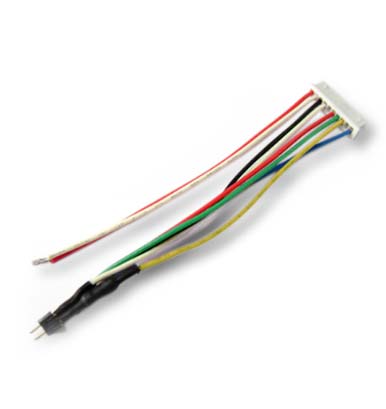
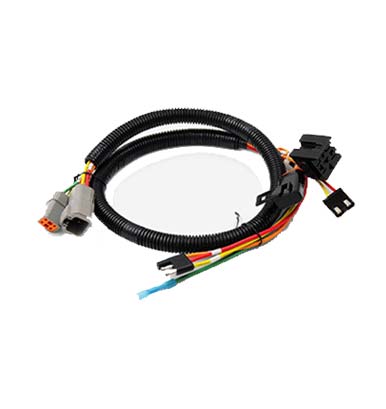
Graphics card wiring refers to the process of connecting the GPU to the computer motherboard, power supply, and other components through cables, connectors, and power lines. The GPU usually requires an independent power supply and communication lines with the motherboard to transmit data and graphic signals. Wiring not only needs to ensure stable signal transmission but also guarantee sufficient power supply while avoiding affecting the overall cooling performance of the system.
Stable Power Supply
GPUs, especially high-performance discrete GPUs, usually require more power than what the motherboard provides. To ensure the GPU can operate stably, it generally needs additional power support through dedicated power lines (e.g., 6-pin or 8-pin power connectors). If the power supply is insufficient, the GPU may not achieve optimal performance, and system crashes or failure to start could occur.
Data Transmission and Signal Stability
GPUs need to exchange data at high speeds with other computer components (such as the processor, memory, hard drive, etc.). During data transmission, the quality of the wiring directly affects signal stability and speed. High-quality cables and connectors can reduce signal interference, ensuring accurate transmission of graphic data and avoiding image delays or rendering errors.
Cooling and Space Management
GPUs generate a lot of heat during operation, so the reasonable layout of wiring is crucial for cooling. Too many or messy cables may obstruct the airflow of the GPU cooling fan, leading to GPU overheating, affecting performance, and even shortening the lifespan. Therefore, when wiring, arrange the cable positions reasonably to allow smoother air circulation, helping to improve the GPU's cooling efficiency.
System Tidiness and Maintainability
When assembling a high-end PC, the tidiness of graphics card wiring affects not only appearance but also future maintenance and upgrades. Through orderly wiring, users can more easily troubleshoot, add new hardware, or perform daily cleaning, thus improving the system's maintainability and expandability.
Avoid Cable Interference
During wiring, try to avoid arranging cables to cross other electronic devices or power lines. Crossing cables may cause electromagnetic interference (EMI), thus affecting the quality of signal transmission. Using shielded cables or high-quality cables can effectively reduce such interference.
Manage Cables Reasonably
Use zip ties or cable managers to secure cables inside the case, avoiding hanging or dragging cables, which could hinder ventilation and cooling. Additionally, ensure that cables do not contact any heat sources or sharp objects to prevent wear or overheating.
Select an Appropriate Power Supply
When choosing a power supply, make sure it can provide enough power support for the GPU. Especially for high-performance GPUs (such as the NVIDIA RTX 30 series, AMD Radeon 6000 series, etc.), the power supply should be sufficiently powerful to meet the high power demands of the GPU.
Optimize Airflow
While wiring, try to avoid blocking the airflow channels inside the case with cables. Particularly, leave enough space around the GPU's cables to allow cooling fans to operate freely, thereby improving the cooling efficiency of the GPU and the entire system.